LLM prompt design & eval for QuickBooks' deduction maximizer
I edited the production LLM prompt for QuickBooks' tax deduction maximizer to ensure trust and quality.
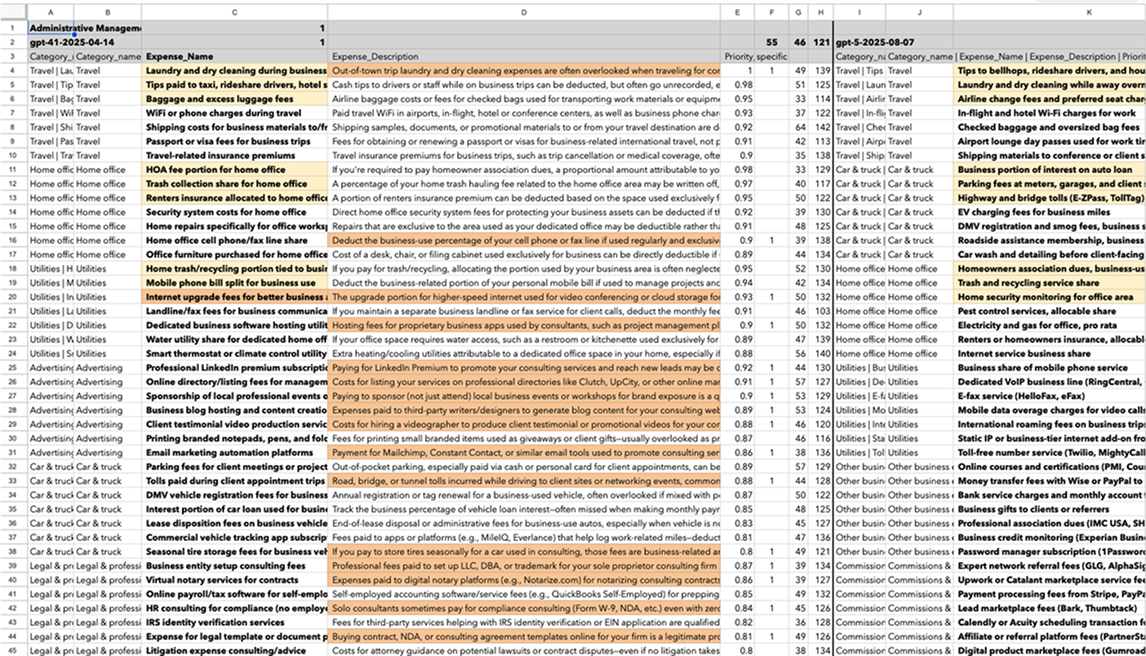
Improving lacklustre generic results
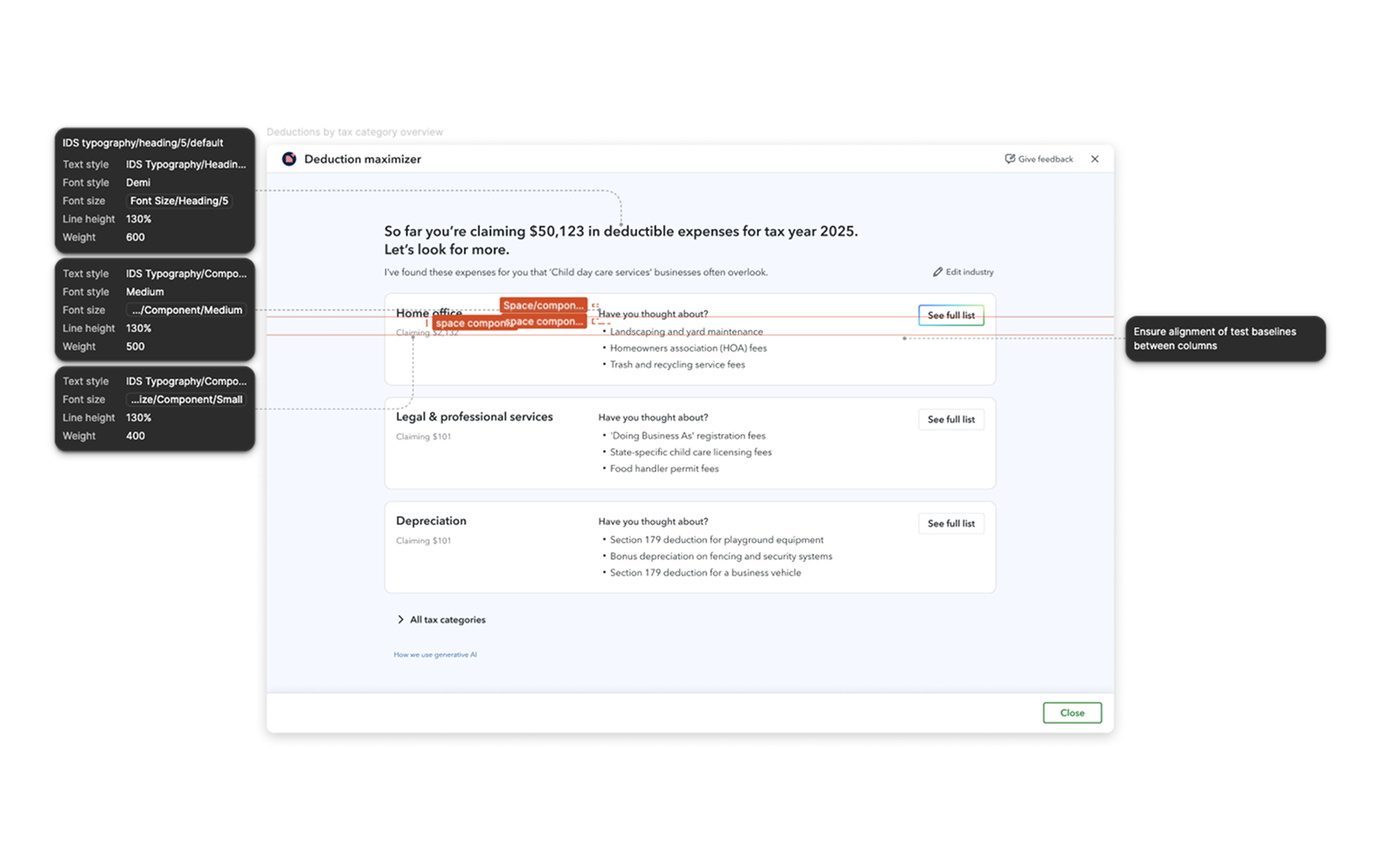
When testing QuickBooks' deduction maximizer in a pre-production environment, the suggested deductions felt very generic and impersonal. This was very likely to affect the feature's engagement and success metrics.
I decided to rework our production LLM prompt to ensure:
- the deduction names were specific enough to each customer's industry that they felt tailored;
- the top three deductions per industry were 'safe bets' the business owner was likely to have missed or not know about.
I did that through zero-shot prompting and guidelines based on insights from research I performed with customers and tax advisors.
Evaluating model ROI
Another decision I drove was about the model used in production: cheap versus frontier.
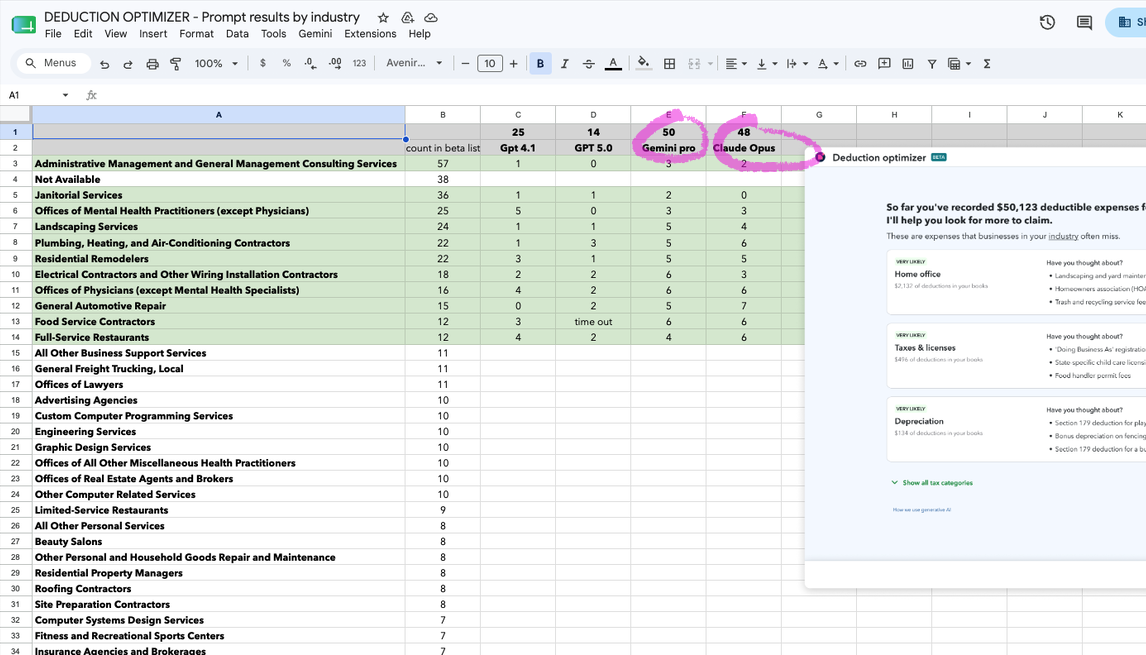
I ran our 10 most frequent industries across all the models we were considering to evaluate the quality of their outputs. I scored the outputs on personalization and relevance, based on what I knew from the research I had performed earlier with customers and tax advisors.
I was then able to present the team with a recommendation of which model to use, based on output quality, and to justify the investment in a higher-quality, more expensive model.